
Kiki
Open SourceVersion 0.5.0
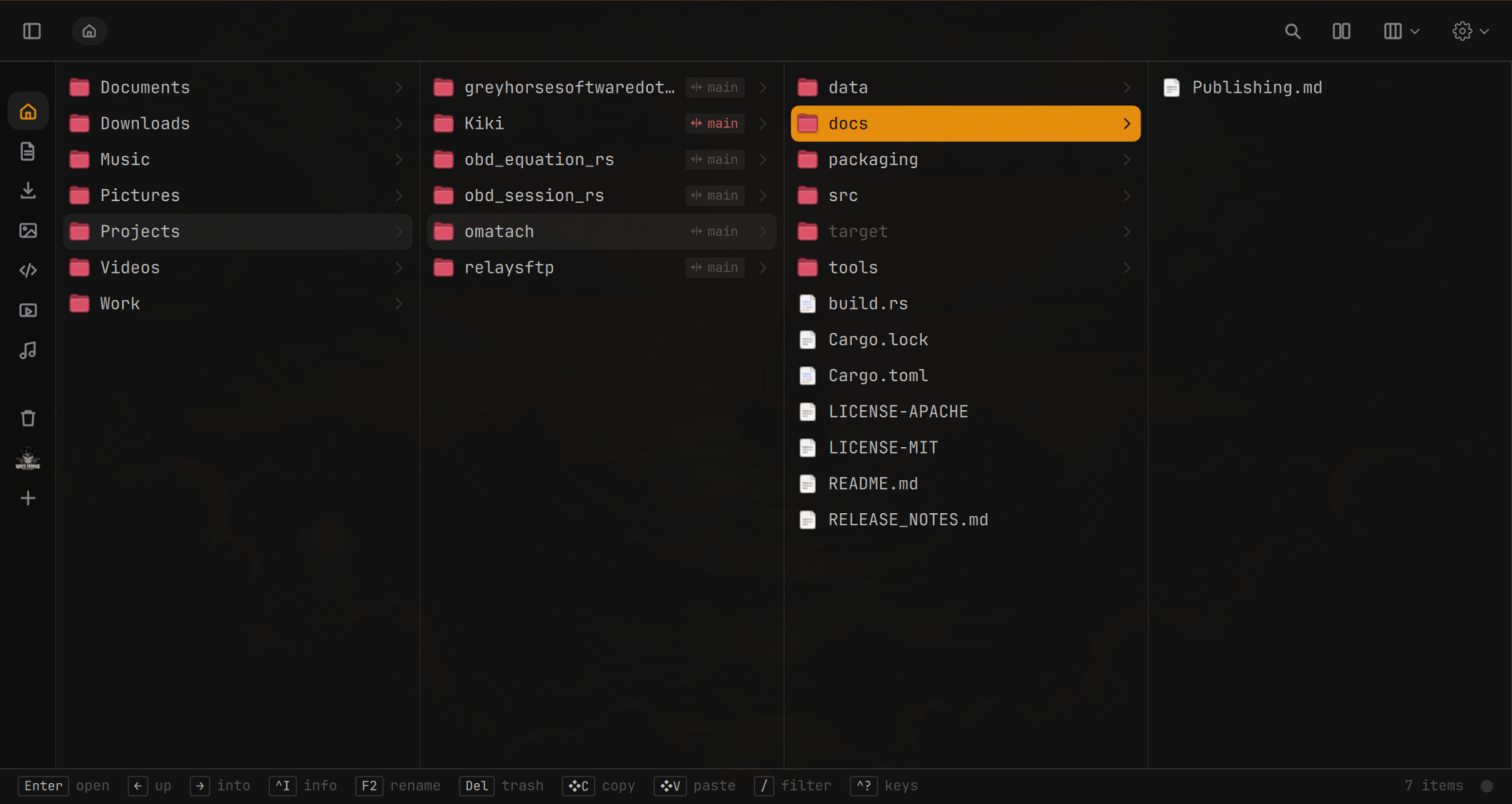
A fast file manager for Omarchy. Instant in a folder of a hundred thousand files. Local and remote side by side, mirroring, git at a glance, undo for nearly everything. Keyboard-first, and it looks like the rest of your Omarchy.
Kiki is free and open source. If you find it useful, consider a donation to help fund further development.
Install Kiki
curl -fsSL https://raw.githubusercontent.com/greyhorsesoftware/Kiki/main/install.sh | bash
Features
View Options
Icons, list, columns, side by side and a gallery with thumbnails for images, video and PDFs. Each folder remembers its view.
Quick Look
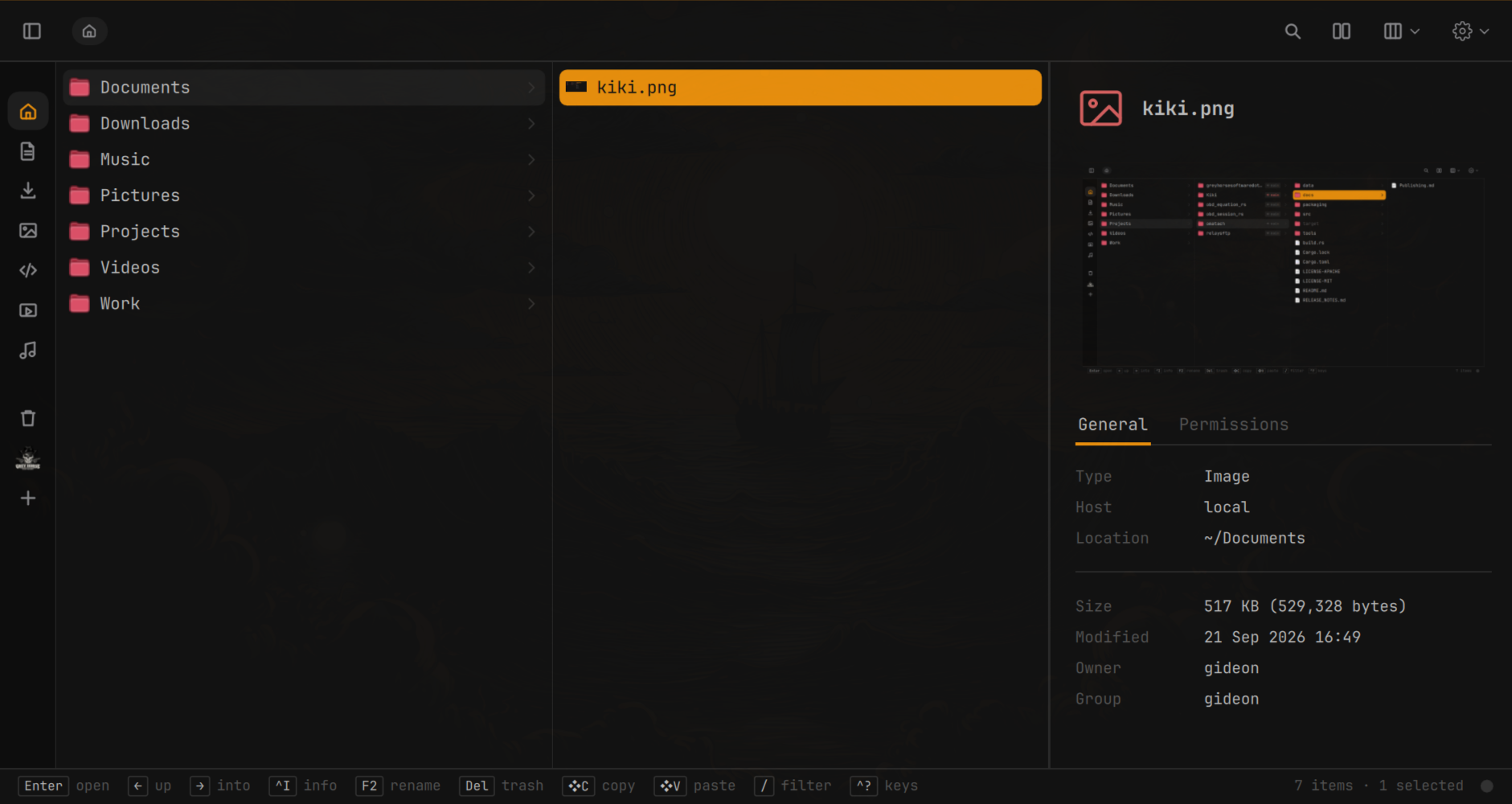
Preview a file without opening an app. Markdown, PDF, images, video, code and plain text, rendered in place. Works the same for local files and files on a server.
Fast Search
Type to jump, filter the current folder, or search everywhere. Instant even in a folder of a hundred thousand files.
Undo Everything
Copy, move, rename, trash, compress and extract are all undoable, even after a restart, even a copy to a server.
Remote Support
SFTP, FTPS and Windows shares in the sidebar, browsed like local folders. Mirror a folder to a server or back, with a preview before anything runs.
Developer Features
Git status on files and a branch capsule on every project. Project mode puts your editor and AI agent beside a file tree, and opens Claude Code, Codex, Gemini, Aider or OpenCode in any folder.
Integrates with Tailscale
Send files to your other machines over Tailscale, or by mail, straight from the right-click menu.
Your Keys
Every shortcut in one window, every one rebindable. Vim keys are a switch.
At Home in Omarchy
Follows your theme, tiles in Hyprland, and can be the file chooser for your other apps.
Built to Stay Fast
A small Rust daemon does the work and the front end draws only the rows you can see. Servers, sharing and thumbnails run as separate programs, so a crash in one never takes Kiki down.
Kiki is open source under the MIT license. Issues and pull requests are welcome on GitHub.